Can't find or install the app
If the store search comes up empty, says the app is not available in your country, or will not install on your phone, these checks tell you why and what to do.
I can't find the app in the App Store or Google Play
Why: the app is listed as Endobits Companion by Bio-Conscious Technologies. Diabits has been retired, so the old name no longer leads to the right listing. The word "Endobits" also turns up in unrelated places online (it is the name of a currency in a video game), so a plain search can be noisy and the real app can be hard to spot.
- Open the store page directly instead of searching. iPhone: Endobits Companion on the App Store. Android: Endobits Companion on Google Play. These are the same links we use on endobits.com/diabits.
- If you search, type the full name Endobits Companion. The publisher is Bio-Conscious Technologies. On the App Store, the subtitle under the name reads "Glucose trends & forecasts".
- Do not search for "Diabits". That app has been retired. Endobits Companion is its replacement.
- When you open the right app, the first screen reads ENDOBITS with "Your sensor reads the past. Endobits shows you the future." and three buttons: Create account, Sign in and Explore the demo.
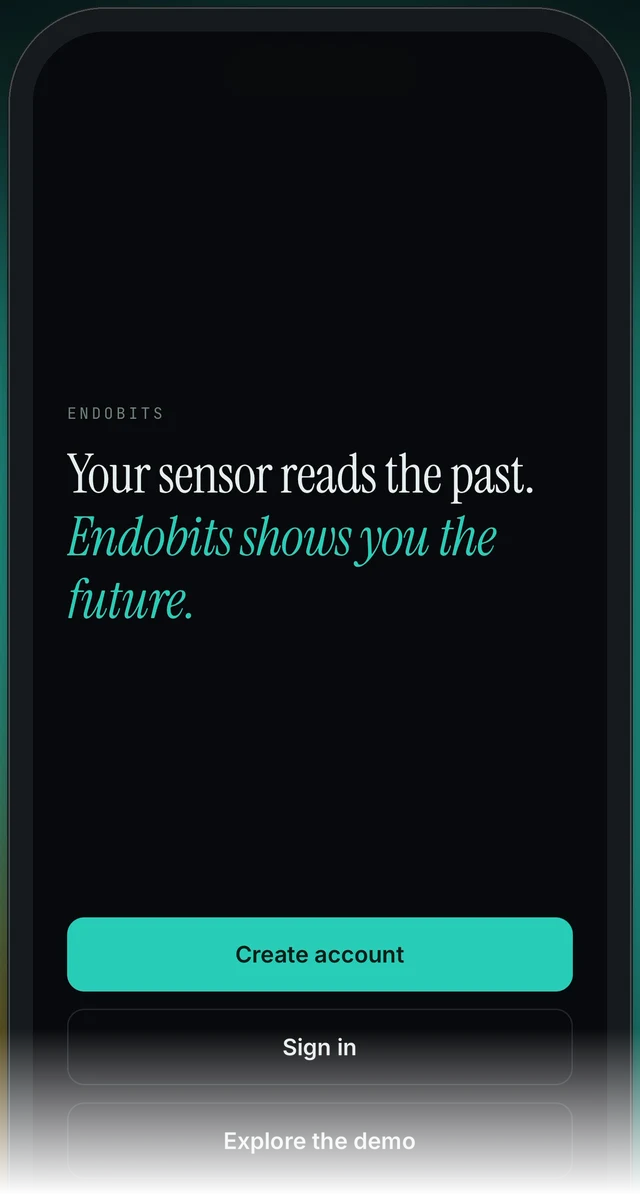
The first screen of Endobits Companion, before you sign in
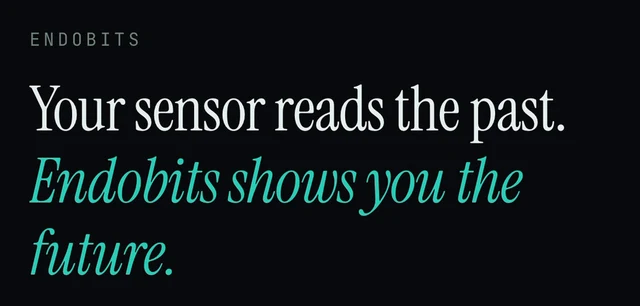
First screen, upper part: the ENDOBITS wordmark and the tagline
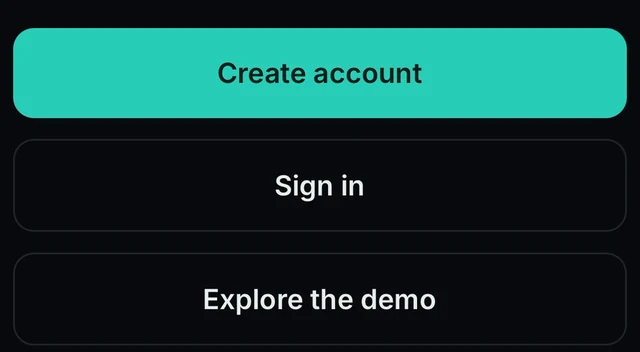
First screen, bottom: Create account, Sign in and Explore the demo
- On the App Store, the app is listed for the United States and Canada. If either store says it is not available in your country or region, see the next section or contact us using the details at the bottom of this page.
In the app: nothing to change. If the first screen shows Create account · Sign in · Explore the demo, you have the right app.
The store says the app isn't available in my country
Why: the App Store listing for Endobits Companion covers the United States and Canada. Stores generally show an app only to accounts set to a country or region where it is published, so the app may stay hidden from someone in the US or Canada whose store account is registered elsewhere. For Google Play, our pages do not list countries yet, so if the Play page blocks you, tell us your country.
- Endobits Companion is listed on the App Store for the United States and Canada. If your store account is set to another country or region, the app may not show up, even from the direct link.
- If you live in the United States or Canada, check which country or region your App Store or Google Play account is set to (the wording and where you find it vary by phone and store). If it is set elsewhere, change it to your country, then open the direct link again. Still blocked? Email contact@bioconscious.tech with your country and which store you use.
- If you live outside the United States and Canada, the App Store does not offer the app there. Email contact@bioconscious.tech with your country and which store you use, and we will reply with your options.
- Separate from store availability: inside the app, a direct Dexcom connection works with US Dexcom accounts only, on iPhone and Android. Outside the US, the app reads glucose through Apple Health (iPhone), Health Connect (Android) or your own self-hosted glucose site (DIY rig). See Connecting Dexcom and Connect your sensor.
In the app: nothing. This happens in the App Store or Google Play before the app is installed, so there is no in-app path.
Google Play says my Android phone isn't compatible
Why: Endobits Companion needs Android 8.0 or later. Phones and tablets are both supported, but a phone still on Android 7 or older cannot install it.
- Endobits Companion needs Android 8.0 or later (phones and tablets). Check your Android version in your phone's own Settings; the exact wording varies by maker. This is a general Android step, not an Endobits screen.
- If it is below 8.0 and your phone offers a system update, install it, then open the Google Play page again: Endobits Companion on Google Play.
- If your phone cannot be updated to Android 8.0 or later, it cannot run the app.
- Once installed, the app needs a sensor app that writes glucose to Health Connect (Dexcom G6, Stelo and Lingo do today; Dexcom G7 and FreeStyle Libre do not yet) or a direct Dexcom link signed in from the Care tab (US Dexcom accounts only). Eversense on Android is coming soon. Details: Endobits Companion for Android and Connect your sensor.
- Still blocked on Android 8.0 or later? Contact us (Settings → Report a problem if you can open the app, otherwise contact@bioconscious.tech or +1 (236) 235-5295) and tell us your phone model and Android version.
In the app: nothing before install. After install, the sensor link lives in the Care tab: Care → Your data connection. Steps for each sensor: Connect your sensor.
My iPhone says the app needs a newer iOS
Why: Endobits Companion needs iOS 16.4 or later, and the App Store page shows the exact minimum. An iPhone that has not been updated, or cannot be updated, to that version cannot install it.
- Check which iOS version your iPhone is running and install any software update your iPhone offers. This is done in the iPhone's own settings, not in Endobits Companion.
- Open the App Store link again: Endobits Companion on the App Store. The store page shows the minimum iOS version the app needs.
- If your iPhone cannot update to the version the App Store page asks for, it cannot install the app. The Android version is an option if you have an Android phone.
- If the app installs but does not work well on your phone, tell us the phone model and iOS version: in the app, open Settings and look for Report a problem, or email contact@bioconscious.tech or call +1 (236) 235-5295.
In the app: Today → top-right icon → Settings → Report a problem. Report a problem arrives with version 5.1.2. If you do not see it yet, email us instead.

Today screen, top: the icon in the top-right corner opens Settings
Questions people ask
- Is Endobits Companion the same app as Diabits?
- Same company, new app. Diabits, launched in 2017, has been retired. Endobits Companion is a complete rebuild released in 2026. Diabits accounts and data were not carried over automatically, so create a new account. Questions about an old Diabits account go to contact@bioconscious.tech. More on what changed.
- Can I get the app outside the United States and Canada?
- On the App Store, Endobits Companion is listed for the United States and Canada, and the store will not show it to an account set to another country. We have not published a country list for Google Play. Email contact@bioconscious.tech with your country and which store you use, and we will reply with your options.
- Does it run on an iPad or an Android tablet?
- Android tablets: yes, on Android 8.0 or later. iPad: we have not confirmed iPad support on our pages yet, so ask us before you count on it: contact@bioconscious.tech.
- Which countries is it available in, and what is it called in the store?
- Search for "Endobits Companion" by Bio-Conscious Technologies. The App Store listing covers the United States and Canada. Dexcom's direct sign-in works with US Dexcom accounts only; elsewhere, connect through Apple Health or Health Connect. See Connect your sensor.
- Does the app cost anything?
- There is no charge for the app or for the report. Our Diabits page also describes an optional monthly monitoring plan. If you have questions about it, email contact@bioconscious.tech.
Still stuck? We answer.
A person at Bio-Conscious reads every message. Tell us your phone model, your sensor, and what you see on the screen.
Real app screens · demo data. Endobits shows insights, not medical advice. Always follow your care team's guidance and your sensor's own alerts for treatment decisions.
More help: All support articles · Connect your sensor · Set up Endobits Companion