Set up Endobits Companion
Download the app, create your account, connect your CGM and pick your units. Then Endobits learns your patterns and starts forecasting your glucose hours ahead.
Download the app
Endobits Companion is on iPhone and Android.
Create your account
Open the app and tap Create account. Already have one? Tap Sign in.
No sensor yet? Tap Explore the demo to look around with sample data first.
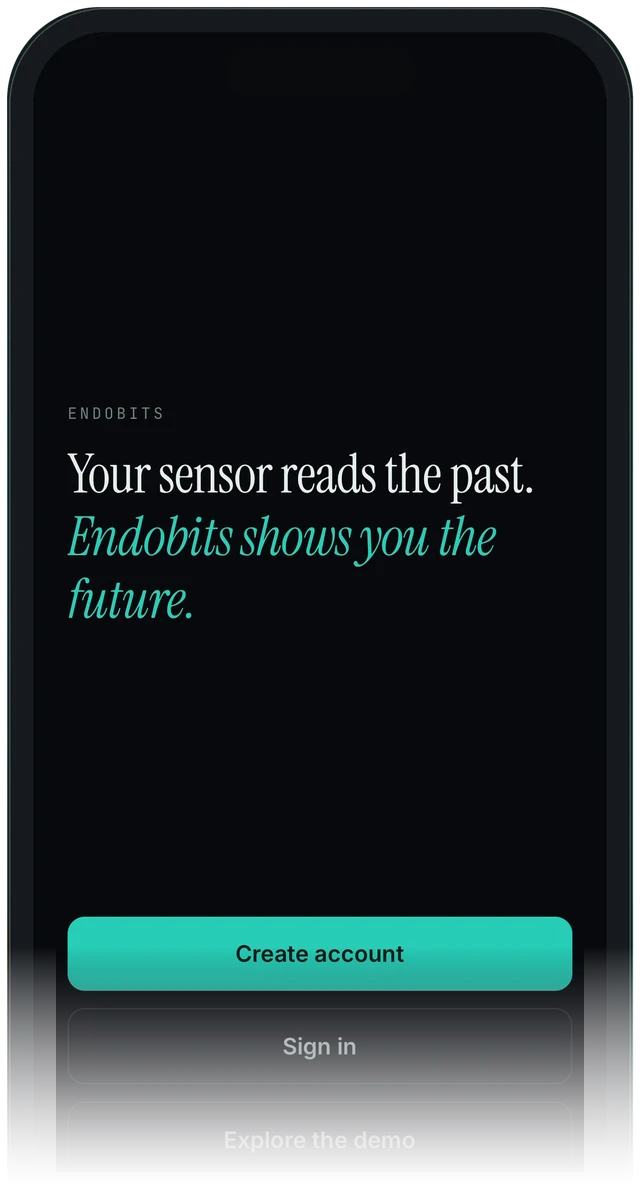
The first screen you see
Connect your sensor
Endobits reads your glucose from Apple Health on iPhone or Health Connect on Android, or through a direct connection in the Care tab (Dexcom, and DIY rigs in real time).
Exact steps for your sensor: Connect your sensor (Dexcom, Stelo, Libre, Lingo, Eversense and DIY rigs).
Choose your units: mg/dL or mmol/L
On the Today screen, tap the icon in the top-right corner to open Settings. Choose the unit you use:
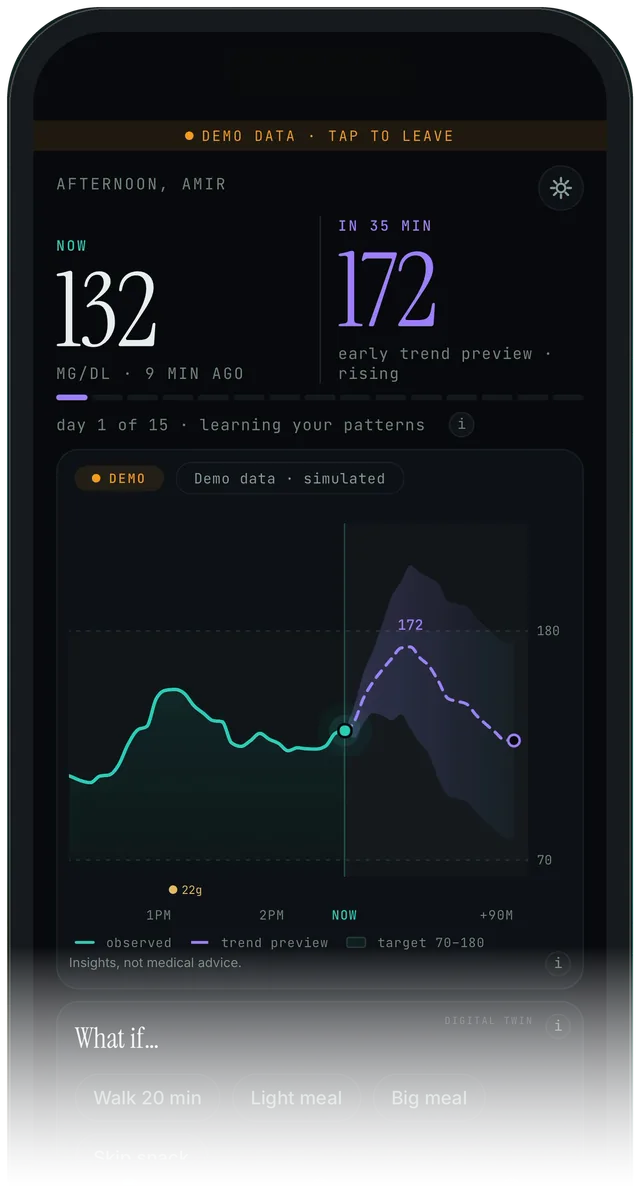
Tap the circled icon to open Settings
Let it learn for 15 days
For the first 15 days, Endobits learns your patterns. You'll see day 1 of 15 · learning your patterns on the Today screen. Then the forecast is built from your own data.
Stuck on a step?
In the app, go to Settings → Report a problem, or email us with your phone model and sensor.
contact@bioconscious.techReal app screens · demo data. Endobits shows insights, not medical advice. Always follow your care team's guidance and your sensor's own alerts for treatment decisions.