Connecting Dexcom to Endobits
Dexcom connections are available for US accounts only right now. Here's where to find it, and what to check if something looks off.
How it works
Endobits connects to your Dexcom account through Dexcom’s own sign-in page. You sign in with your Dexcom account. Endobits never sees your password.
Where to find it
- Open the Care tab in Endobits.

Tap Care at the bottom of the screen - Scroll down to Your data connection.
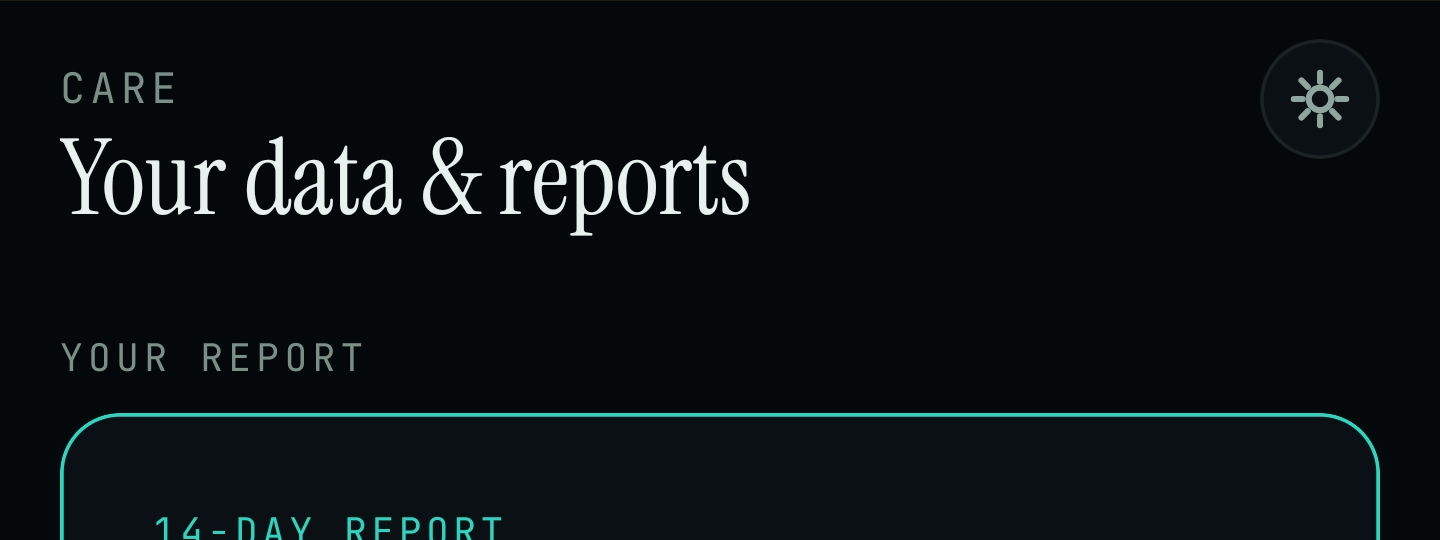
Care tab → Your data & reports - Look for Dexcom API in the list, alongside Health Connect and Eversense API.
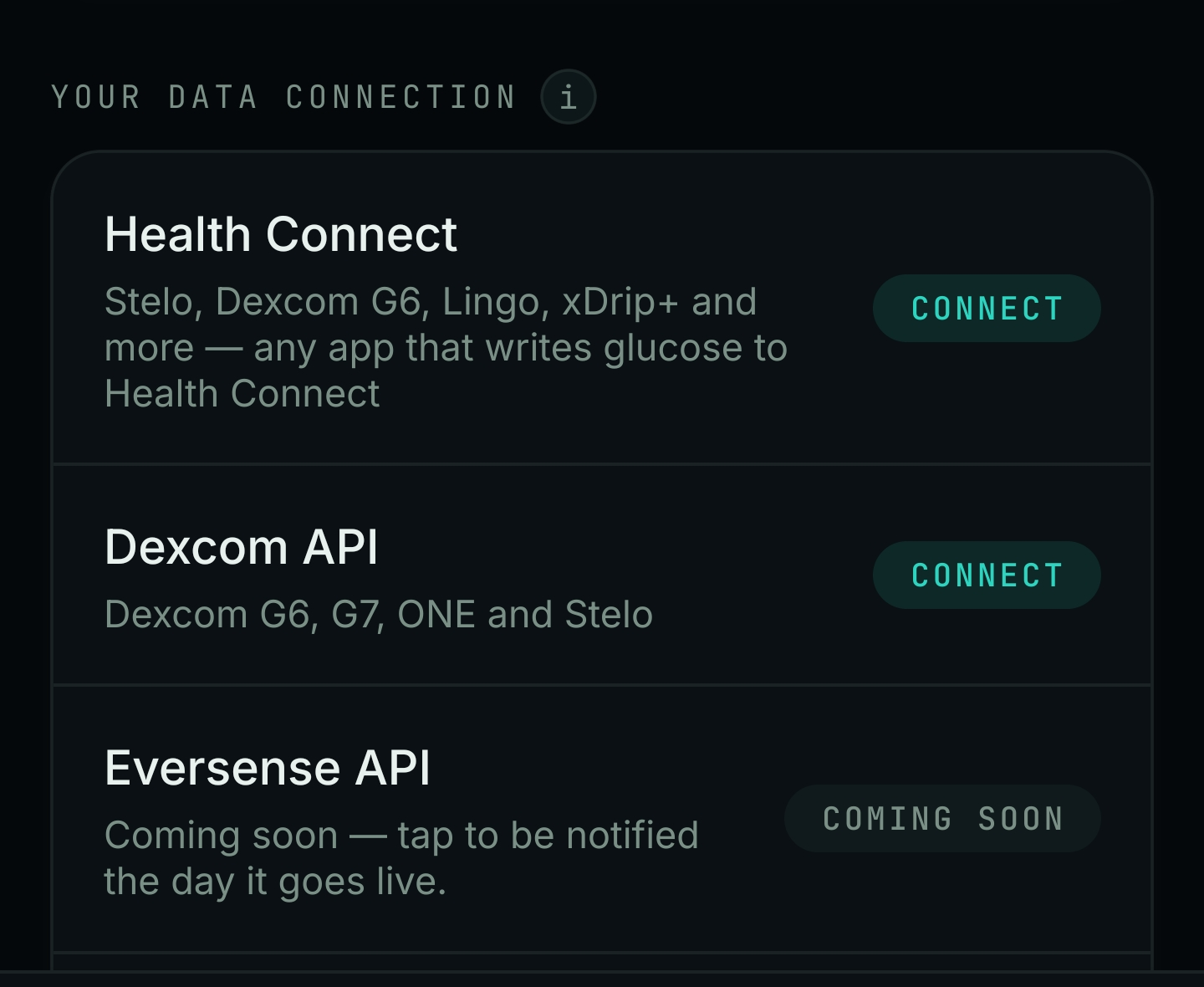
Scroll to Your data connection to find Dexcom API
How to connect
- Tap Dexcom API.
- Sign in with your Dexcom account, the same one you use in the Dexcom app.
- Approve the connection when asked.
- You’re done. Dexcom API shows as connected in the same list.
Common problems
I’m outside the US
Dexcom connections only work with US Dexcom accounts right now. This isn’t a bug, it’s a current limit we’re working to lift.
“Sign in did not complete”
Try again. Make sure you’re signing in with your Dexcom account, the one from the Dexcom app, not an Endobits account.
Nothing shows up after I sign in
Give it a few minutes, then check the Care tab again. If it still isn’t there, get in touch below and we’ll take a look.
My readings look delayed
Dexcom updates aren’t instant. It can take a few minutes to catch up after you connect. If it still looks off after a day, contact us and we’ll check it.
Still need help?
We’re happy to help you get connected.
Phone: +1 (235) 236-5295
Email: support@endobits.com